

Introducing how to use the free design tool Canva to make your school festival or cultural festival even more exciting!

Many students are probably busy preparing for their school festival, right?
The more effort you put into planning every detail and spending lots of time on preparations, the more it becomes a lifelong memory.
Let me introduce Canva, a handy tool that will surely make your cultural and school festivals even more exciting.
Canva is a design tool you can use easily and for free on your smartphone or computer.
Use it to create handout flyers, posters for display, and more—make the most of it!
How to register and basic usage
First of allCanvaRegister for
Please use your Facebook or Google account, or enter your email address and password.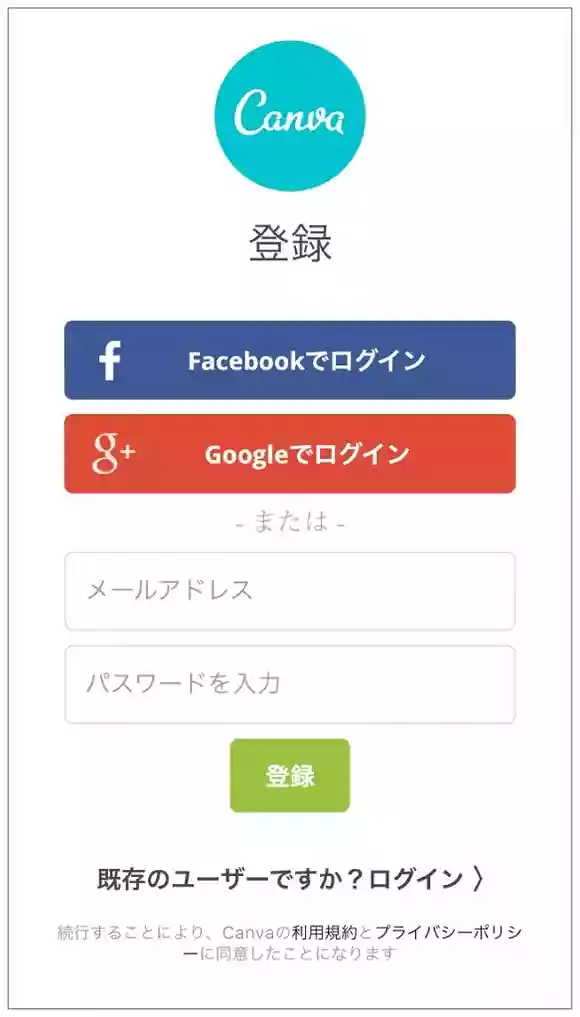 After you sign up, the design selection screen will appear.
Slide the top section sideways to choose what you want to create, then scroll down.Let's choose a template.。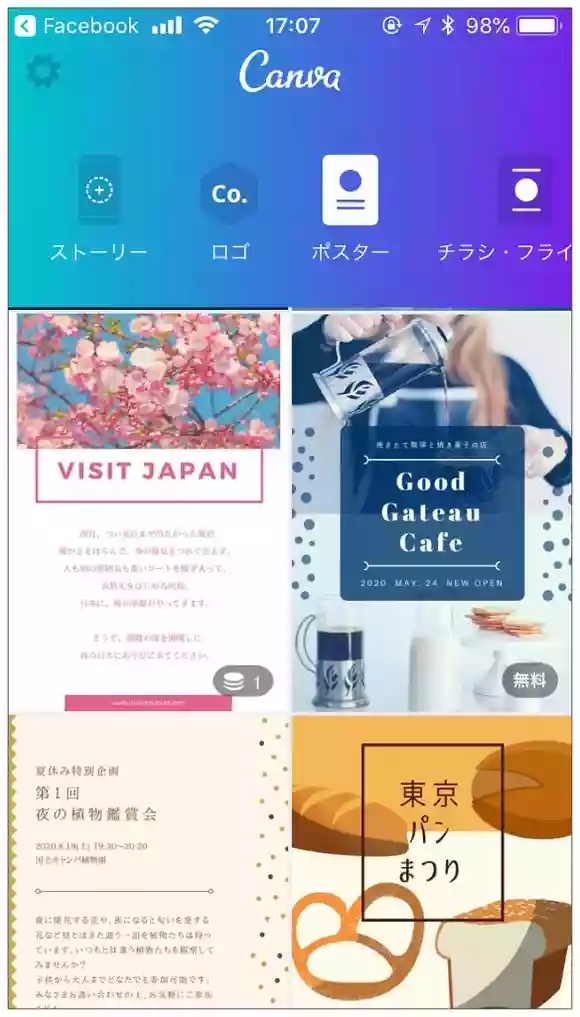 Tap a design to start editing.
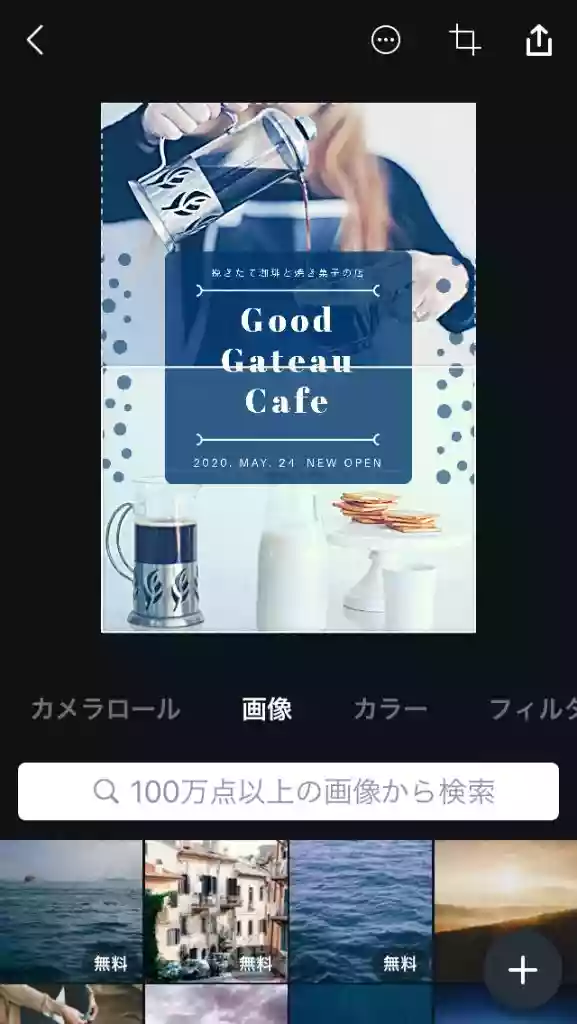
Change the photo from the camera roll or images,You can change the photo’s color tone using filters.。
If you want to modify the text,Double-tap the text area to enter text.。
Tap the area you want to edit and build your design.
 Here’s one point to note.
Please use “Japanese fonts” for Japanese.
Since the fonts properly support kanji as well, you can achieve a clean finish.
When the design is complete, save the data using the button in the upper right.
If you plan to print it, choose the PDF (Print) version. If you’ll use it on social media or the internet, select PNG or JPEG.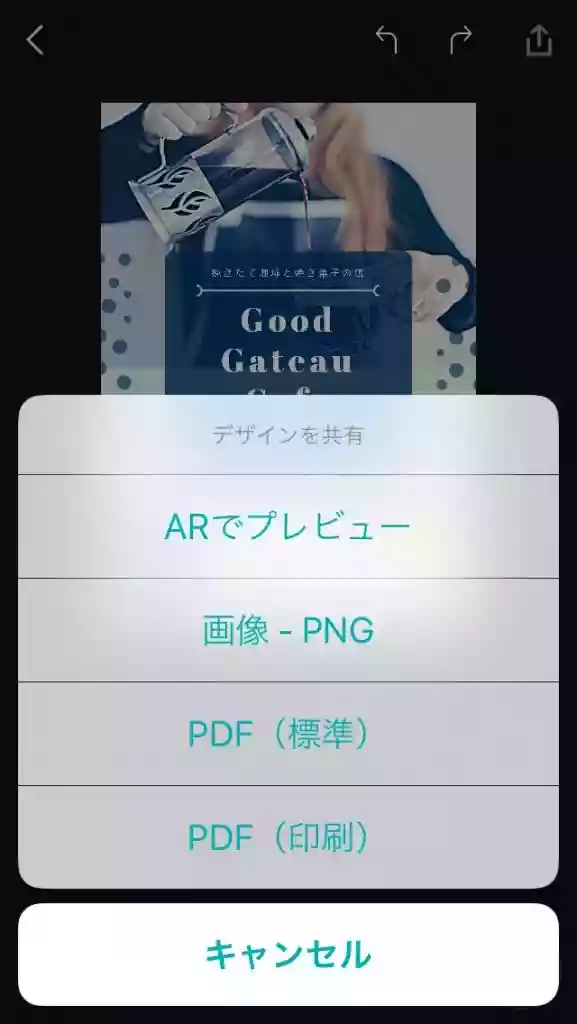
Feel free to use the downloaded data as you like, including printing it or posting it on social media.
The key is to organize the information and choose a template.
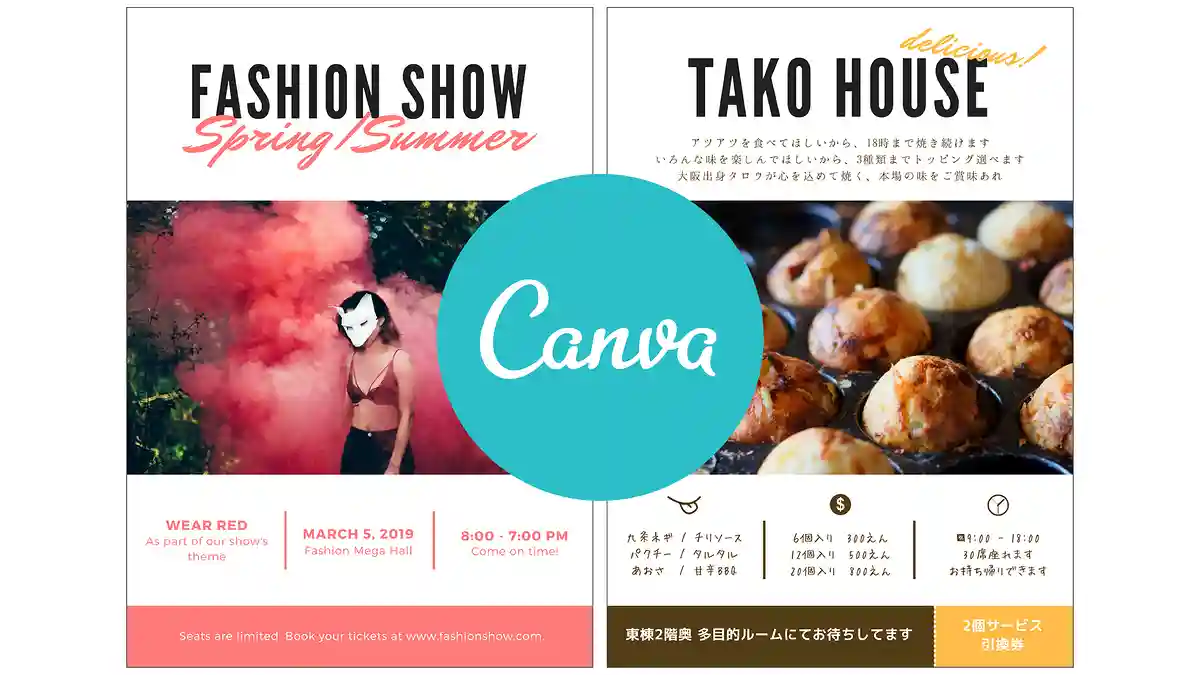
As an example, let’s use the template on the left to create a flyer for a takoyaki shop.
The finished flyer is on the right.
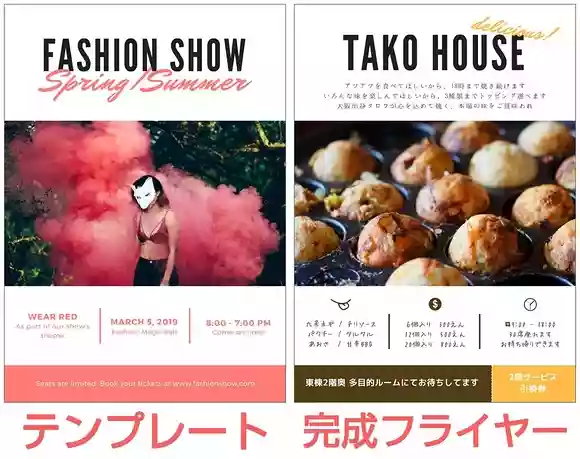
What I considered when creating it
- I want it to be recognizable as a takoyaki shop at a glance.I chose a template that makes the photos look bigger.
- We want to clearly present an overview of the price, business hours, types of toppings, and so on.I added icons and grouped them together in the same area.
- We want to create reasons for people to come so we won’t lose out to other food and drink vendors.I made coupons with color coding.
like thisBy imagining and thinking about your customers, it becomes easier to choose a template and more effective at attracting customers.。
By the way, the photo of the takoyaki isphotoACI searched with/for Mr./Ms. … .
If you can’t find the perfect photo in Canva, I recommend using free stock sites like this or choosing templates without photos.
Templates you can use for the school festival
There are plenty of other designs you can use for the school festival.
Just by looking at the templates, you might come up with ideas for decorations and announcements.
Announcement on Instagram and Twitter

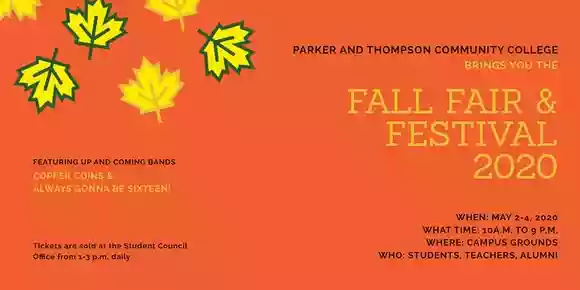
poster


Ticket


Summary
If your posters and flyers come out nicely, the atmosphere will improve dramatically.
If you create an image for social media and use it for advance announcements, it could raise expectations and might increase the number of friends who come to visit.
Also,If you create an account, you can use Canva on both your computer and your smartphone.。
- Use the app when you don’t have a computer or want to design while you’re out.
- Use a computer for detailed tasks or when there’s a lot of text.
Try completing your design by using them appropriately depending on the scene.
I hope the school festival is exciting and makes wonderful memories.
Please give it a try.
Link:Canva