

Interesting! A collection of trivia and fun facts about Google

The internet service “Google” is used all around the world.
Whether you use Google’s content for work or rely on it for your daily searches, it’s helpful in all kinds of situations.
In this article, we’ll share trivia and fun facts about Google.
We’ve gathered amusing search tricks that make using Google more fun, along with a few handy features.
Take a look during a work break or whenever you have a little free time!
- Useful right away in daily life! Surprising trivia and handy tips
- Didn't want to know?! Fascinating and scary trivia & fun facts
- [Useful Features] iPhone Trivia and Tips You'll Want to Try
- Funny songs that will be a hit at school. Highly popular, upbeat tracks.
- A quiz of fun trivia: bite-sized knowledge that leads to new insights.
- [Killing Time] A Collection of Fun Trivia Quizzes You'll Want to Share with Someone
- Trivia quiz with useful tips to know: fun facts that come in handy at school or at home [for kids]
- Trivia quiz about schools: a roundup of fun facts you’ll want to brag about
- [Interesting] Compilation of Trivia Quiz Questions
- Fun facts you’ll want to share! January trivia and tidbits special
- A compilation of unsettling trivia and fun facts about Earth
- Trivia and fun facts about food (summary)
- [Learnable] A roundup introduction to educational Vocaloid songs!
Interesting! A roundup of trivia and fun facts about Google (1–10)
If you search for “google guitar,” you can play guitar sounds.

You know how Google’s search engine logo sometimes changes? Those are called Doodles, which comes from the idea of a playful doodle.
The version where the logo turns into a guitar was originally a one-day Doodle to celebrate Les Paul’s 96th birthday.
Nowadays, if you search for “google guitar,” a site called elgooG appears at the top, and when you visit it, you’ll see a page that recreates the guitar Doodle.
You can hover your mouse to play chords, and it even has a recording feature!

If you search for ‘atari breakout’, you can play a brick-breaking game.

“Atari Breakout 2600” is a block-breaking game released in 1976, and this mini-game was announced to commemorate its 37th anniversary.
Back then, typing “atari breakout” into Google would start the mini-game.
Nowadays, like other hidden features, it’s available on a site called elgooG.
If you search for “atari breakout,” that page will appear at the top—give it a try!
If you forget part of the term you want to search for, put an asterisk (*) in the missing part and it will search for you.

This is a feature called “wildcard search.” It’s useful when you think, “I want to search for that term, but I can’t quite remember part of it—what was it again?” In other words, if you replace the part you can’t remember or don’t know in your search keyword with an asterisk and search, it will fill in that part and broaden the search range.
Try using it when you want to look up words you only vaguely remember—like people’s names or katakana proper nouns.
Interesting! Trivia and Fun Facts about Google (11–20)
If you search for “Festivus,” an aluminum pole appears on the left side of the screen.

Festivus is a fictional holiday set on December 23rd, said to be a celebration for people who don’t observe Christmas, and instead of a Christmas tree, an aluminum pole is displayed.
It’s a satirical event that differs from the festive Christmas.
Also, when you search for Festivus in English on Google, an aluminum Festivus pole appears on the left edge of the search results page! The fact that they incorporated “Festivus” rather than “Christmas” gives it a playful, Easter egg-like feel.
If you input “diagonal” or “one full rotation,” the screen will move accordingly.

Google brings a playful touch even to searching.
When you type certain words into Google’s search box, the screen changes.
For example, if you enter “tilt” and click the search button, the screen tilts.
Enter “do a barrel roll” and the screen spins once.
These are fun Easter eggs, and there are also keywords that launch games when you type them.
Try entering “tic-tac-toe,” “solitaire,” or “snake game.” Click the search button and the game screen will appear.
Perfect for killing time when you have a moment to spare.

Search for “meteorite” and meteorites will fall

If you try searching for “meteorite” on Google, meteorites will start falling on the search results screen! And that’s not all.
After a moment, the meteorites crash to the ground, and the screen shakes as if there’s a tremor.
The elaborate animation is so much fun that you’ll find yourself wanting to try the search over and over again.
The animation plays the same way on both computers and smartphones, so be sure to give it a try.
It calculates just by typing a formula into the search box.
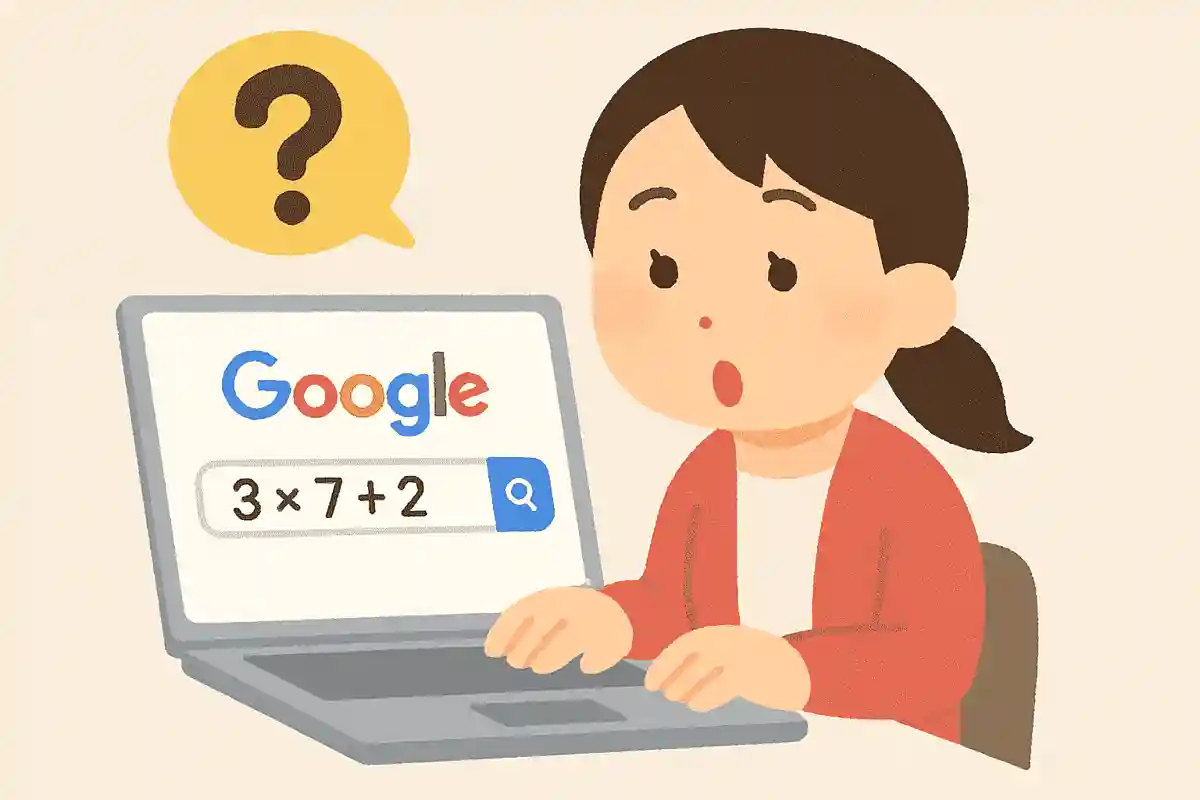
Even if there isn’t a calculator nearby, you can easily do calculations with Google.
Just enter the formula in the search box and you’ll get the answer.
It can handle calculations with parentheses and exponents like squares.
Even if you mistype a number, you can edit it and redo the calculation, which is convenient.
There are plenty of calculator apps, but you don’t have to bother opening one when you need a quick calculation, and some aren’t good at handling complex formulas.
If you need a calculator while searching with Google, why not give it a try?