

Interesting! A collection of trivia and fun facts about Google

The internet service “Google” is used all around the world.
Whether you use Google’s content for work or rely on it for your daily searches, it’s helpful in all kinds of situations.
In this article, we’ll share trivia and fun facts about Google.
We’ve gathered amusing search tricks that make using Google more fun, along with a few handy features.
Take a look during a work break or whenever you have a little free time!
Interesting! A roundup of trivia and fun facts about Google (1–10)
When you search for dogs or cats, a dog’s or cat’s paw appears and you can also hear their sounds.
Many of you probably keep dogs or cats at home.
Both dogs and cats are beloved animals in Japan.
In fact, there’s a hidden trick on Google that pet lovers might enjoy.
Type “dog” or “cat” into the search box and press the search button.
Paw print stamps for dogs and cats will appear—click them.
You’ll hear a bark or meow, and a dog or cat paw will reach out and tap the screen.
Each time you click the screen, the sound and the paw appear again, which is pretty fun.

The name “Google” was given due to a misspelling.
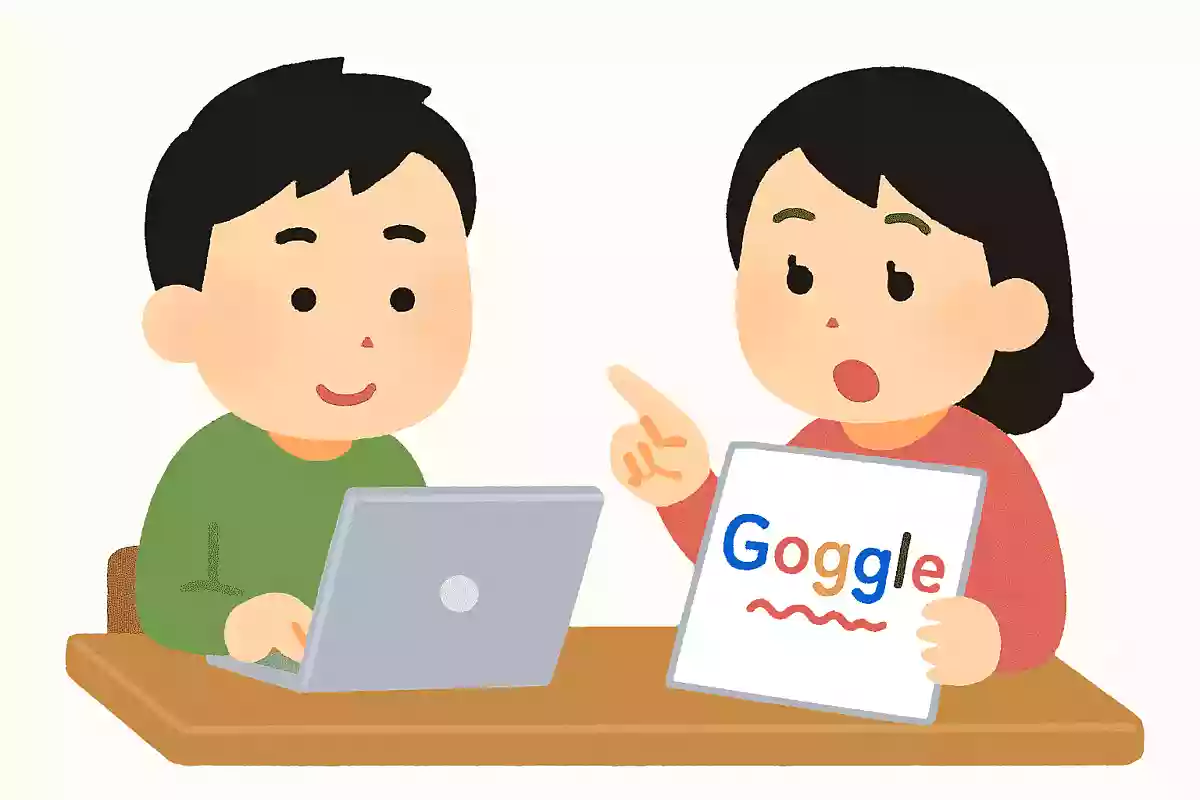
We say “to google” when we search for something, but maybe it could have been “to googol.” In fact, the name Google actually came from a misspelling.
The original plan was to name the company Googol.
A googol is 10 to the 100th power, pronounced “GOO-gohl,” and the idea was that you could find what you were looking for within an enormous amount of information.
However, when they registered the domain name, they mistakenly used Google, and that name stuck.
When you search for “recursion,” it keeps repeating “Did you mean: recursion” in an infinite loop.

Many of you have probably seen a link that says “Did you mean: ___” when searching on Google.
This feature suggests the correct search keyword when you’ve mistyped or slightly misspelled your query.
There’s a playful Easter egg hidden in this “Did you mean” function: if you search for “再帰” in Japanese or “recursion” in English, it will display “Did you mean: 再帰” or “Did you mean: recursion,” and clicking it just brings you back to the same page—meaning you’re forced into recursion!

If you type “Super Mario Bros.”, you can hit a ? Block.
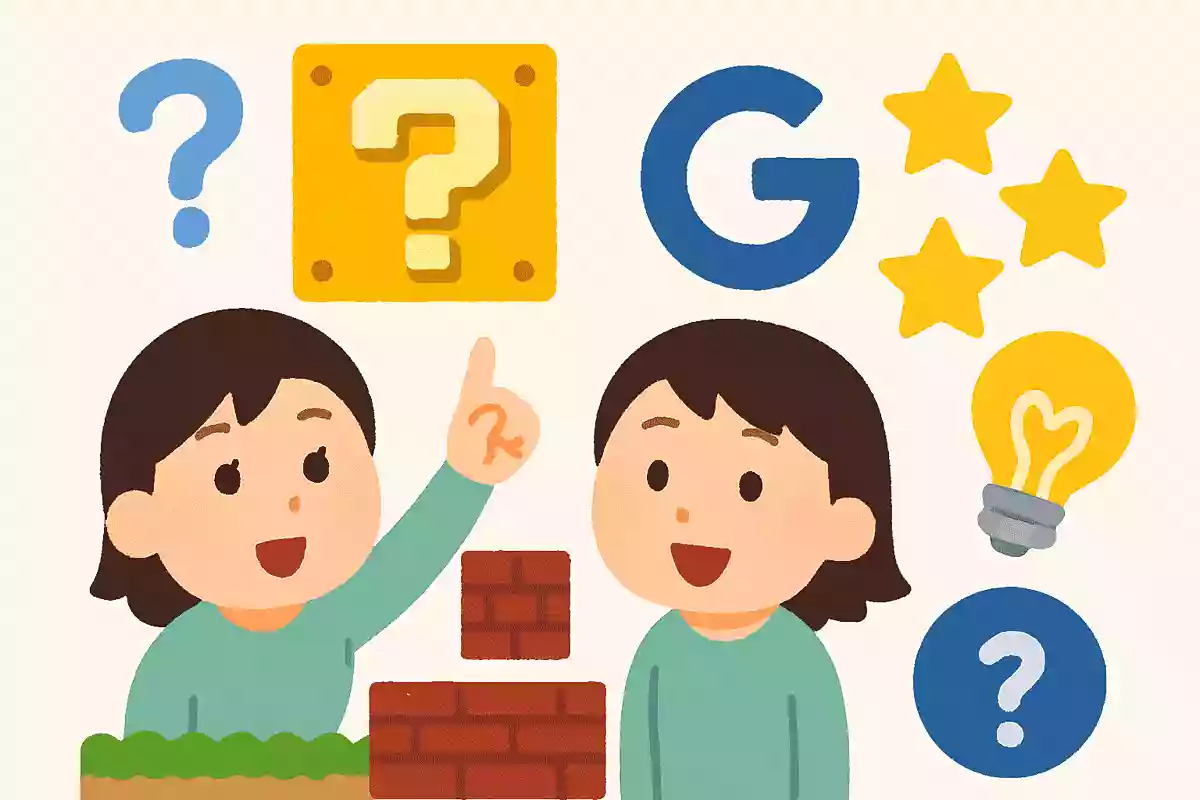
If you search for “Super Mario Bros.” on Google, a Question Block from the Mario games appears in the knowledge panel at the top or on the right side of the results page.
When you click this Question Block, an animation plays showing you collecting a coin—and you’ll even hear the coin pickup sound! On smartphones, the sound will play if silent mode is off.
It’s a delightful little Easter egg—give it a try!
When you search for ‘the answer to life, the universe, and everything,’ the result that comes back is ’42.’
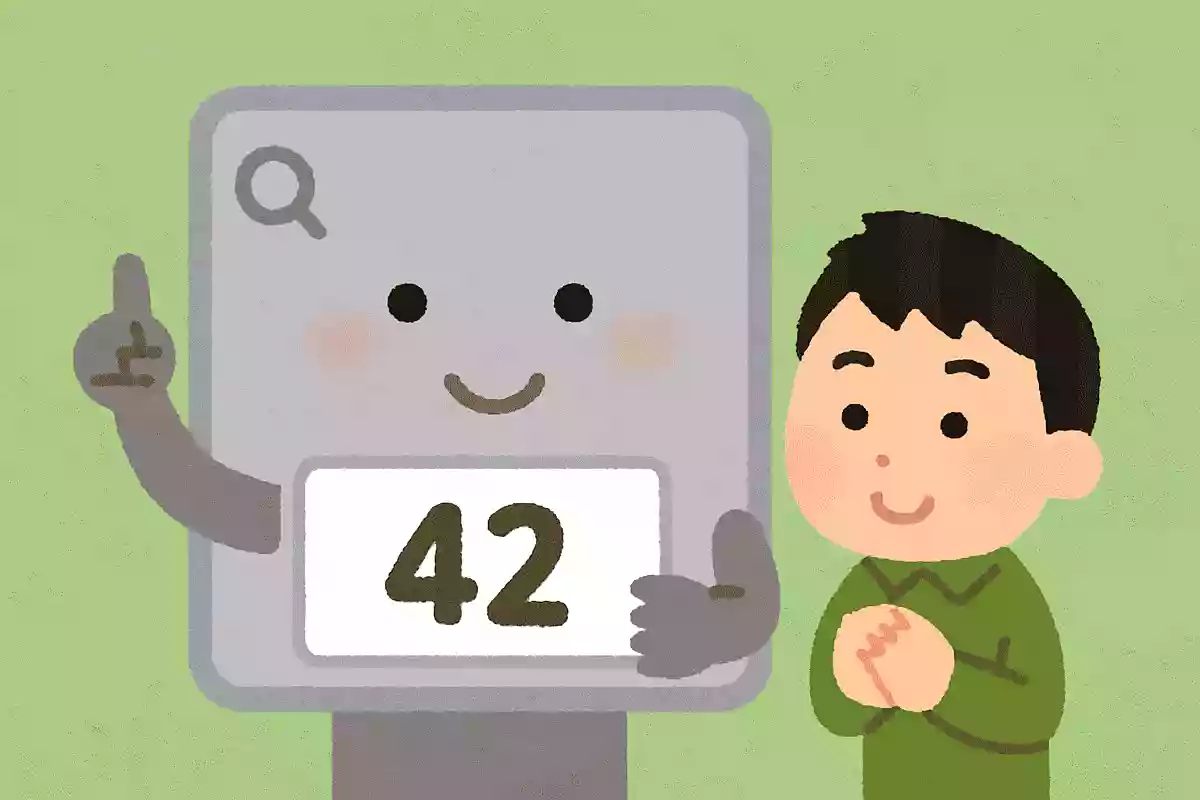
Here’s a hidden feature inspired by the story of Douglas Adams’s sci-fi work The Hitchhiker’s Guide to the Galaxy.
If you search Google for “the answer to life, the universe, and everything,” a calculator appears on the results page displaying “42.” The number 42 is the result that the computer Deep Thought calculates in the book as “the answer to the ultimate question of life, the universe, and everything.” In the story, Deep Thought is said to have taken 7.5 million years to compute it, but Google manages it in less than a second!
If you search for ‘sakura’ and click the cherry blossom icon that appears, flower petals will flutter down.

When you search for “桜” (sakura/cherry blossoms) on Google, a knowledge panel appears at the top or on the right side of the results page, and within it you’ll see an image of cherry blossoms.
It’s a small image with an animation of petals fluttering behind a single cherry blossom.
If you click it…
petals will cascade across the entire search screen! It’s a very charming, atmospheric hidden feature.
It works on both computers and smartphones, so give it a try right away!
If you search for ‘Pac-Man’, you can play the ‘Pac-Man’ game.

When you search the web, you come across all kinds of information beyond what you were originally looking for, right? Searching is fun in itself, but did you know Google has some tricks to make it even more enjoyable? If you type “Pac-Man” into the search box and press the search button, a Pac-Man game screen will appear.
Press the play button and the game starts with Pac-Man’s distinctive music.
It’s pretty cool that you can play Pac-Man, a 1980s game that has been loved worldwide for many years.
Besides Pac-Man, there’s also Solitaire, Minesweeper, and the Dinosaur game.
Why not give them a try when you have some free time?