

[For Seniors] Hidden Useful iPhone Features: Practical Trivia & Fun Facts Quiz

iPhone features you might think you know but actually don’t.
From basic operations to neat little tricks that make you go “Wow!”, we present an iPhone trivia quiz you can enjoy while you learn.
Every question is multiple choice with three options, making it easy for seniors to try, too.
Packed with tips on operations, handy uses, and surprising settings to help you get more out of your iPhone.
You might discover something new as you answer the quiz! It’s also great fun to enjoy together with friends and family.
- [For Seniors] Trivia Quiz & Fun Facts for Everyday Life
- [For Seniors] Super Amazing Trivia Quiz! Introducing Practical Tips for Everyday Life
- [For Seniors] Great for killing time! A fun three-choice trivia quiz
- [For Seniors] Lively two-choice trivia quiz. Handy to know and tidbits you'll want to share with others
- [For Seniors] Boost Your Knowledge! Fun Trivia Quiz
- [For Seniors] Trivia Multiple-Choice Quiz
- [For Seniors] Fun and Informative! Health Trivia Quiz
- For Seniors: Useful Trivia Questions! Introducing Fun Facts Quizzes You'll Want to Share
- [For Seniors] Fun and Informative Trivia Quiz Collection
- [For Seniors] Fun and Informative! Trivia and Quizzes Introduced
- [For Seniors] Surprising Facts! Multiple-Choice Trivia Quiz (4 Options)
- [For Seniors] Surprisingly Unknown! General Knowledge Quiz
- How much do you know? Trivia quiz for seniors that’s full of surprisingly unknown facts
[For Seniors] Hidden Useful iPhone Features: Informative Trivia & Fun Facts Quiz (1–10)
If I want to charge my iPhone as quickly as possible, which method is the most effective?
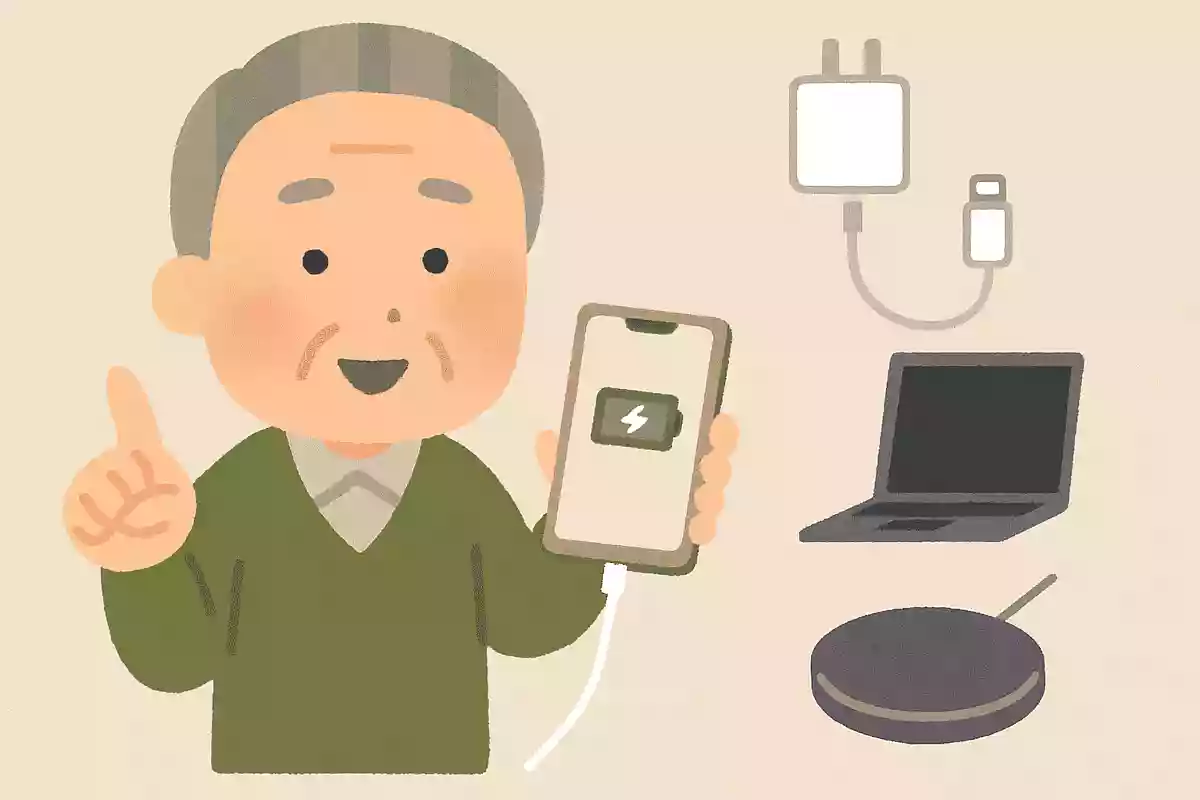
- Charge after closing all apps
- Restart your iPhone, then charge it.
- Turn on Airplane mode before charging.
See the answer
Turn on Airplane mode before charging.
A recommended way to charge your iPhone quickly is to switch to Airplane Mode before charging. In Airplane Mode, apps stop running, so it can charge faster than usual. However, be aware that you won’t be able to receive calls or emails while Airplane Mode is on.

When you want to know the name of a song playing on TV or in a store, what’s the easiest way to look it up on an iPhone?
- Ask Siri, “What song is this?”
- Type 'song title search' in Safari
- Search for the “Music” app on the App Store
See the answer
Ask Siri, “What song is this?”
If you say “Hey Siri” to your iPhone and ask, “What’s this song?” Siri will listen to the music playing around you and tell you the song title and artist. If the music is hard to hear and Siri can’t respond, it can even search using your humming. Give it a try!
Which convenient iPhone app can notify me about schedules and tasks I tend to forget?

- Calendar
- Reminder
- weather
See the answer
Reminder
The Reminders app is a convenient tool that notifies you at specified times or locations when you register tasks and appointments. It’s also helpful for seniors to manage schedules and prevent forgetting things. To set it up, open the Reminders app and enter the title, memo details, and due date. Then you’ll receive a notification at the date and time you set.
[For Seniors] Hidden iPhone Features: Useful Trivia & Fun Facts Quiz (11–20)
What methods does Apple officially recommend for extending battery life?
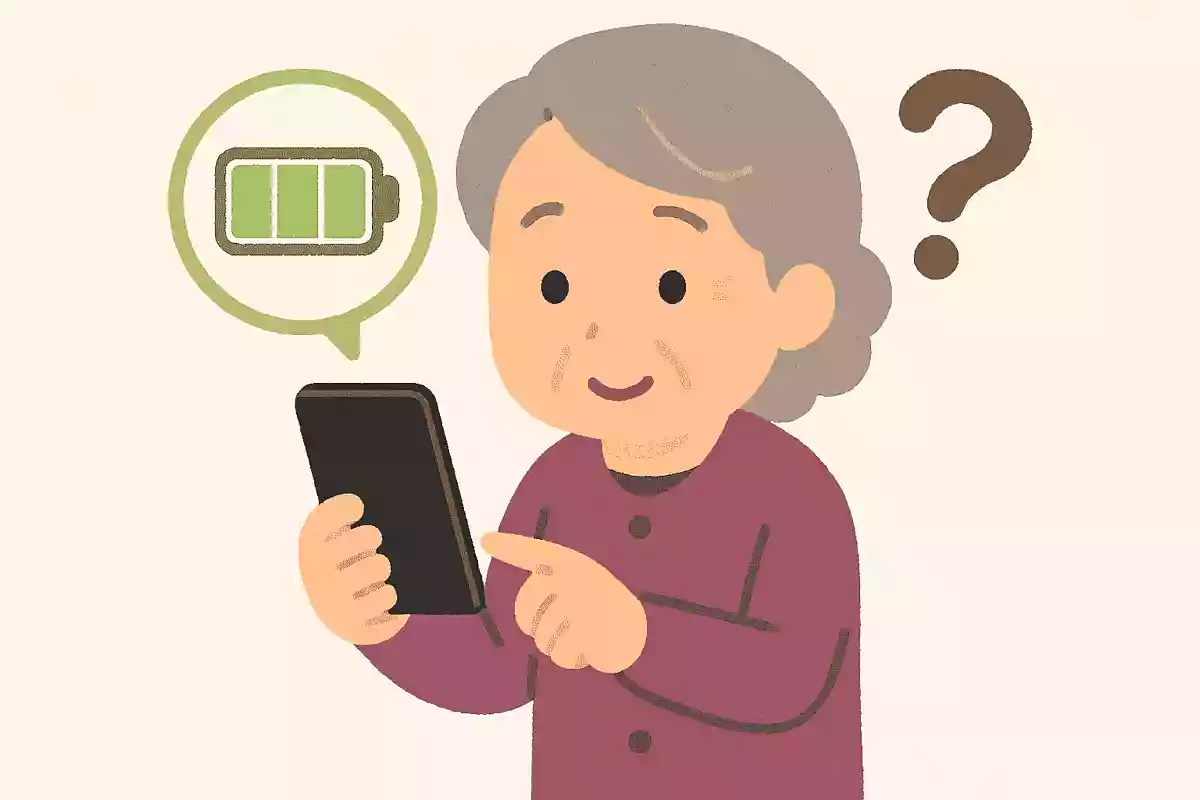
- Always turn off Wi‑Fi
- Aim for around 80% instead of fully charging.
- Close all apps
See the answer
Aim for around 80% instead of fully charging.
Apple officially states that enabling Optimized Battery Charging can extend your battery’s lifespan. Battery longevity is influenced not only by aging since the manufacturing date, but also by a complex combination of factors such as temperature history and charging patterns. To set it up, open Settings, then select Battery, Charging, and set a charging limit.
Which method lets you easily enter consecutive capital letters on an iPhone?

- Press the “123” key on the keyboard
- Double-tap the Up Arrow key
- Press and hold the volume button
See the answer
Double-tap the Up Arrow key
When typing with romaji, having to press the Shift key every time you want a capital letter is a hassle, isn’t it? In such cases, on the iPhone keyboard, double-tap the Shift key (the “↑” icon) to enable Caps Lock, which lets you type consecutive capital letters. Tap it again to turn it off.
What is the surprising secret hidden in the iPhone box?
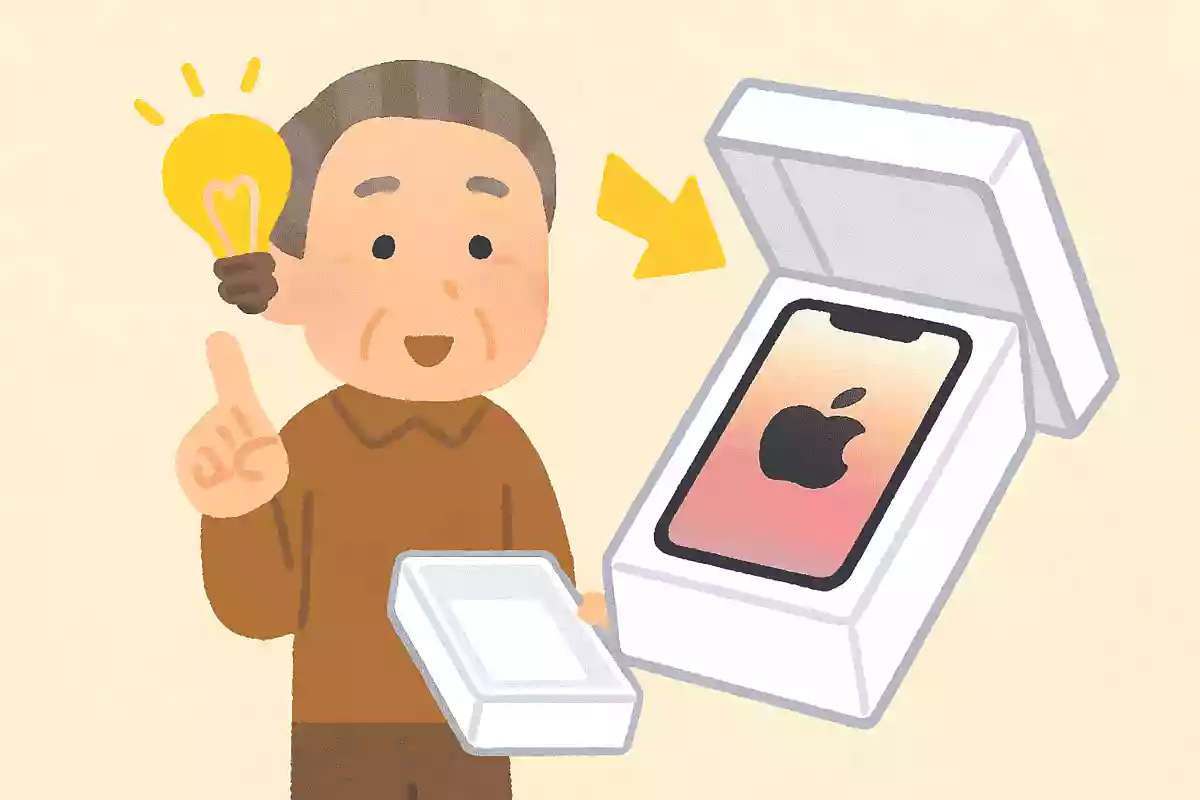
- When you open the box, it smells like apples.
- The unboxing experience is carefully engineered.
- There is a secret message inside the box.
See the answer
The unboxing experience is carefully engineered.
The iPhone box is meticulously engineered so that the lid opens slowly with just the right amount of air resistance. Even the moment of opening the box is designed to feel special. By the way, the target duration is seven seconds—it’s said to heighten the excitement of opening it for the first time.
Which method can be used to delete Safari search tabs all at once?

- On the tab screen, swipe one by one to close them.
- On the tab screen, press and hold the square icon in the bottom-right corner.
- Restart the Safari app
See the answer
On the tab screen, press and hold the square icon in the bottom-right corner.
If you press and hold the button at the bottom right of Safari’s tab view—the one that looks like two overlapping squares—you’ll see an option that says “Close All (number) Tabs.” Tapping this option lets you close all open tabs at once. There’s no need to swipe them away one by one.